Build More
Stress Less
Faster quotes, follow-ups and tracking – all on autopilot with AI that's got your back.
No credit card required · First user free · Set up in minutes
One dashboard for the whole business
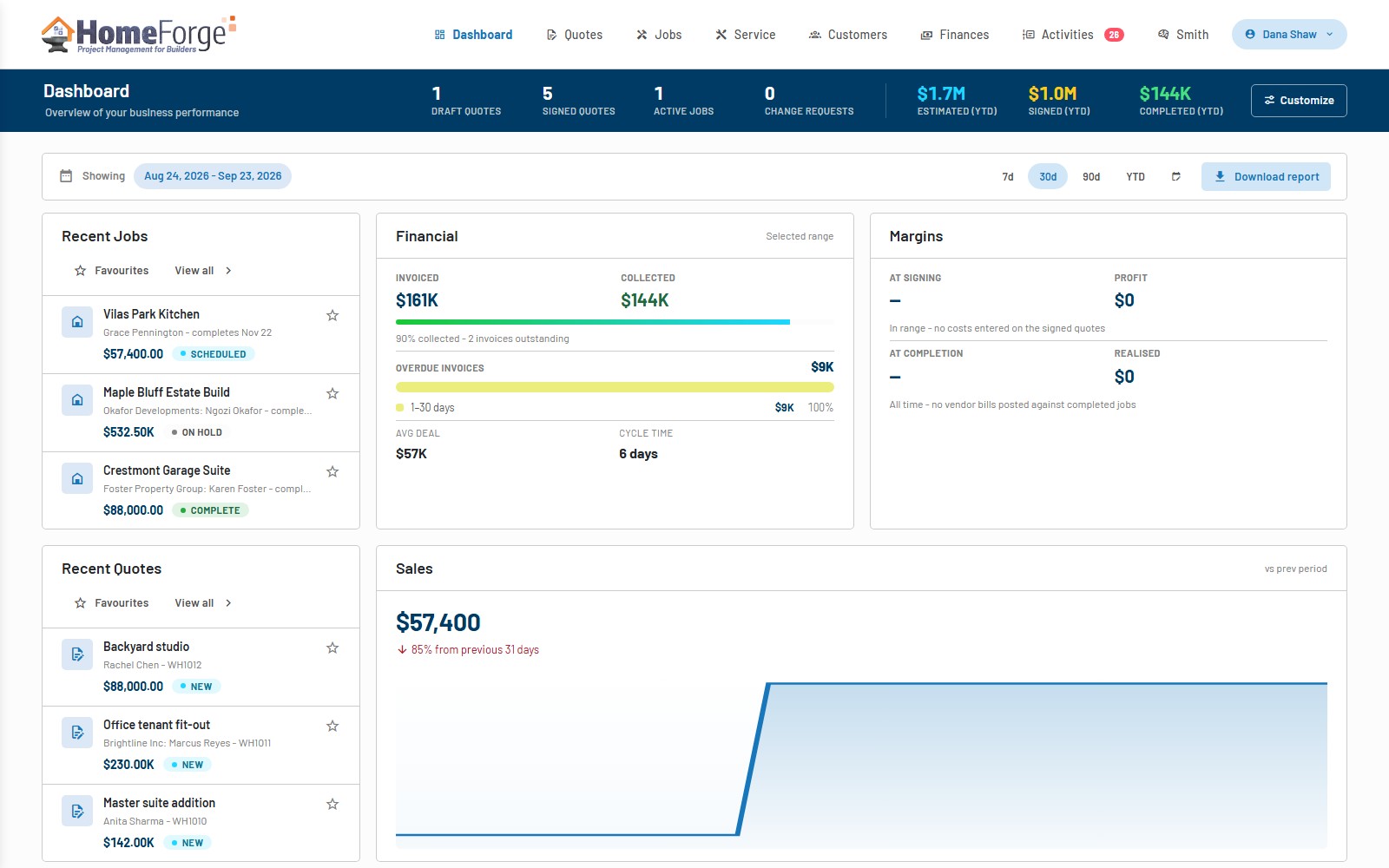
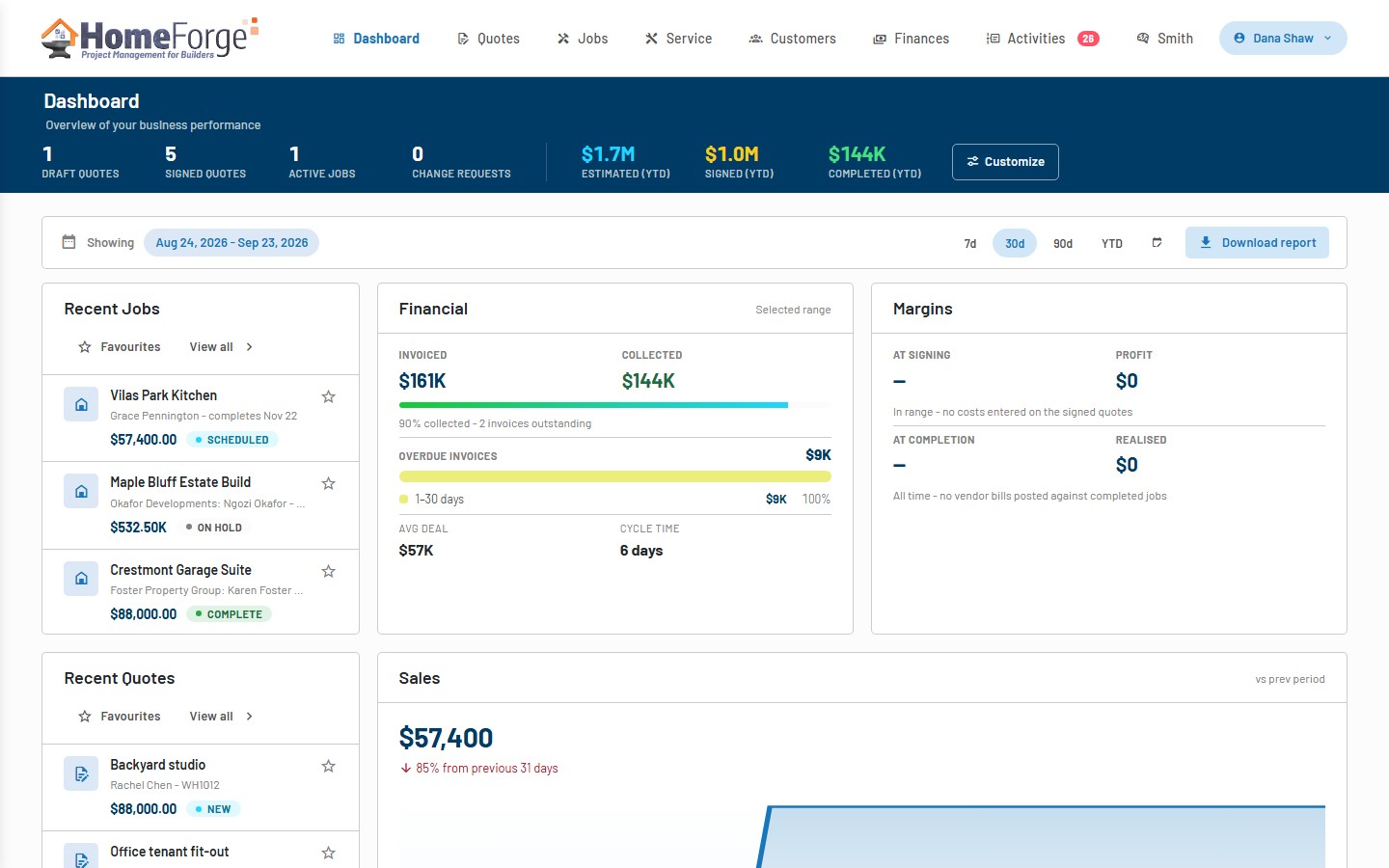
- Live KPIs for draft and signed quotes, active jobs, change requests and year-to-date estimated, signed and completed value
- Sales, financial and leads reports with margins, win rate and overdue aging over any date range
- A board you arrange yourself: add widgets such as overdue invoices, expiring quotes, upcoming visits and jobs at risk
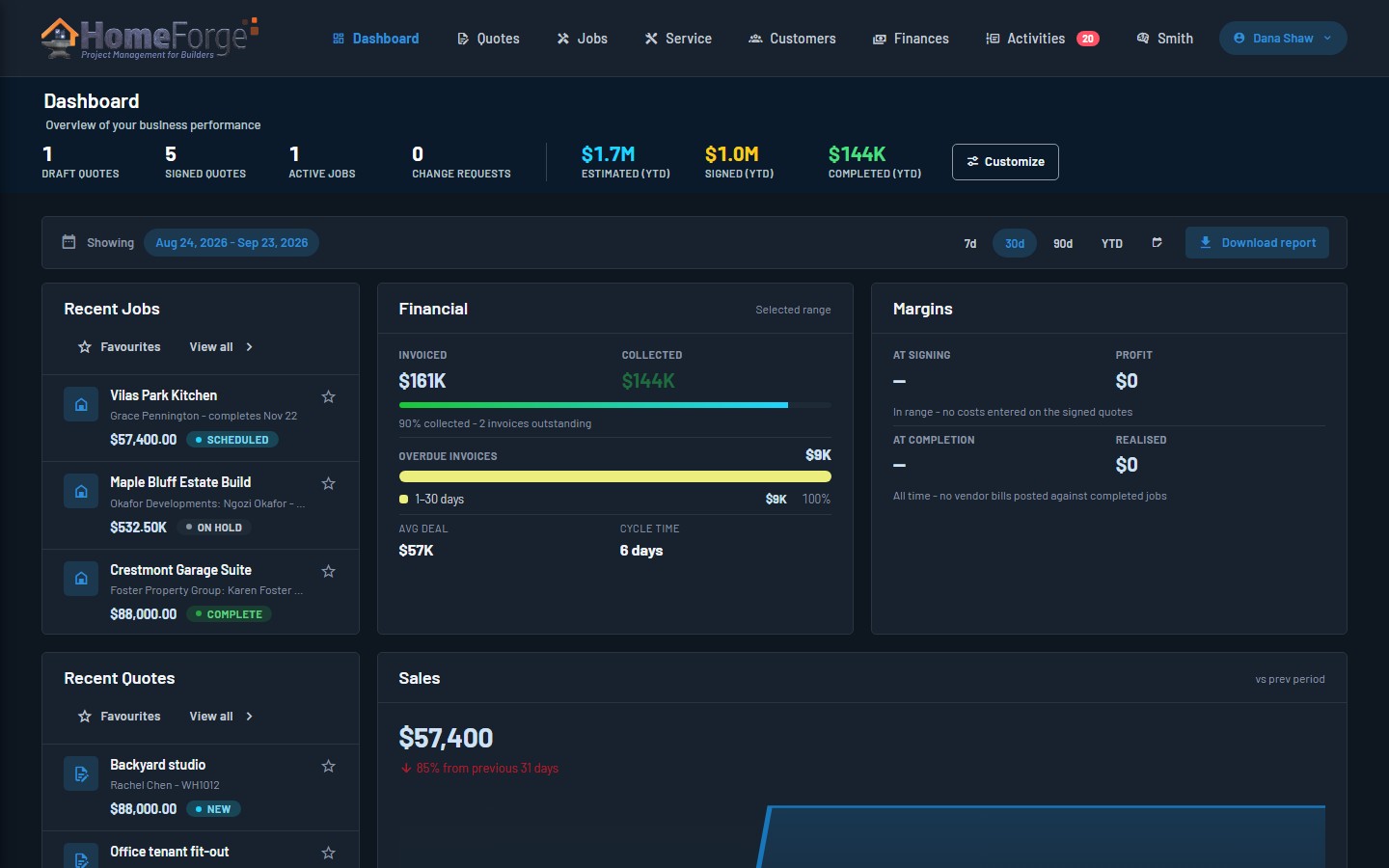
- Light and dark appearance, with built-in video tutorials for every area
Open HomeForge and see where the business stands: what is quoted, what is signed, what is in progress and what needs attention. Every number links to the record behind it, and each person lays out their own board.
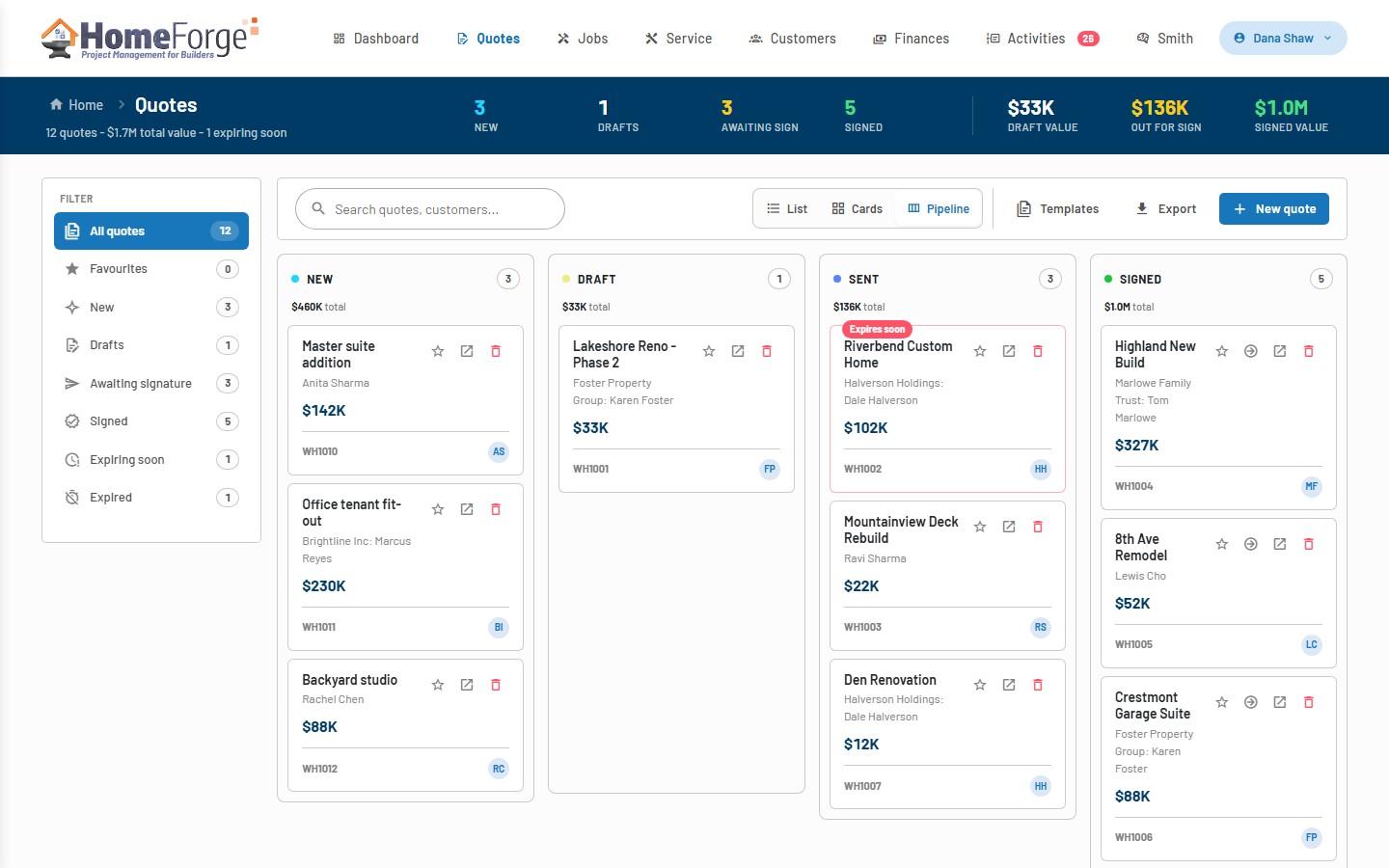
Quotes that get drafted, reviewed and signed online
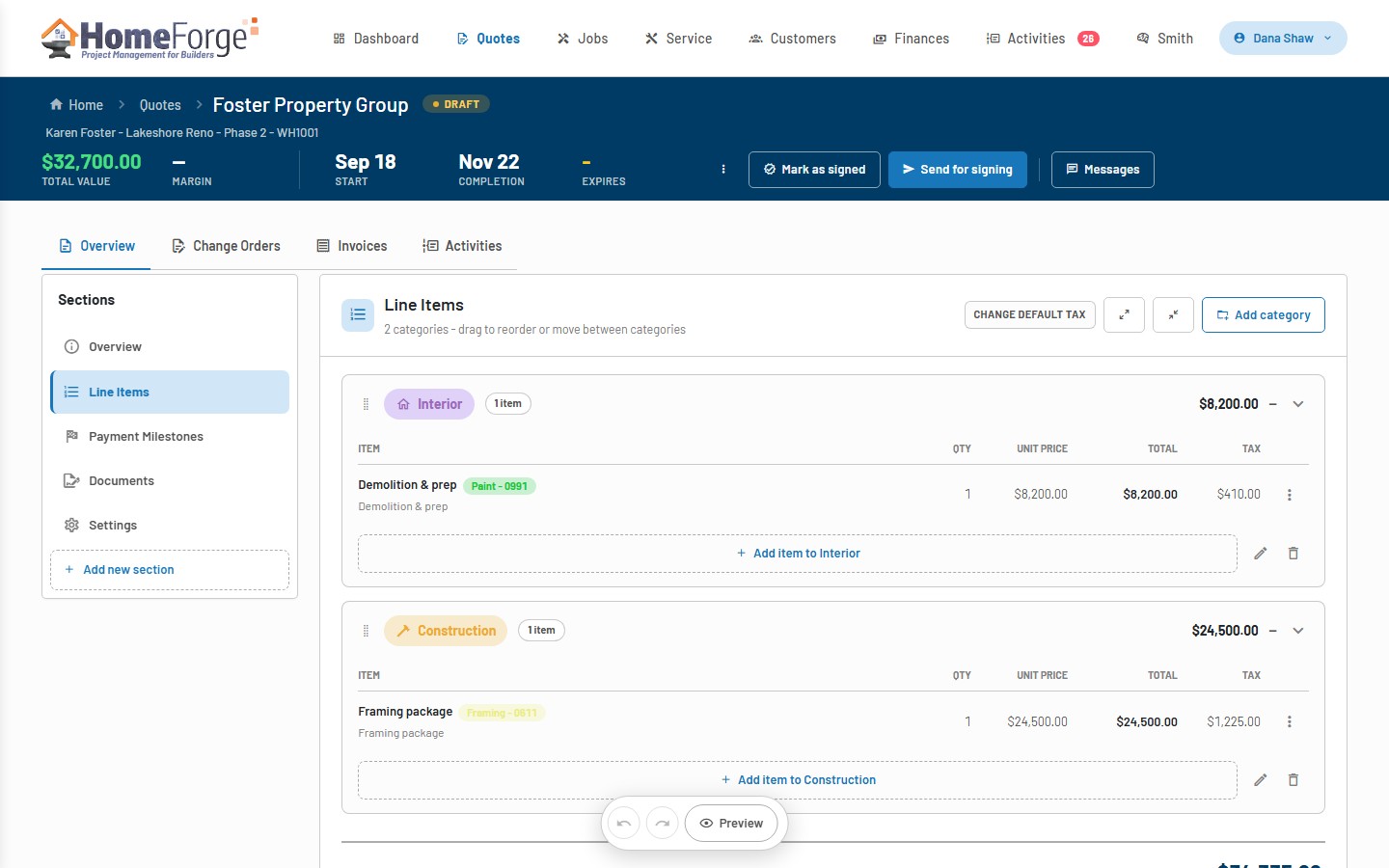
- Smith, the built-in AI assistant, drafts quotes and proposes line-item changes you accept or reject
- Sections, categories, line items with cost and margin, customer selections with options, payment milestones and taxes
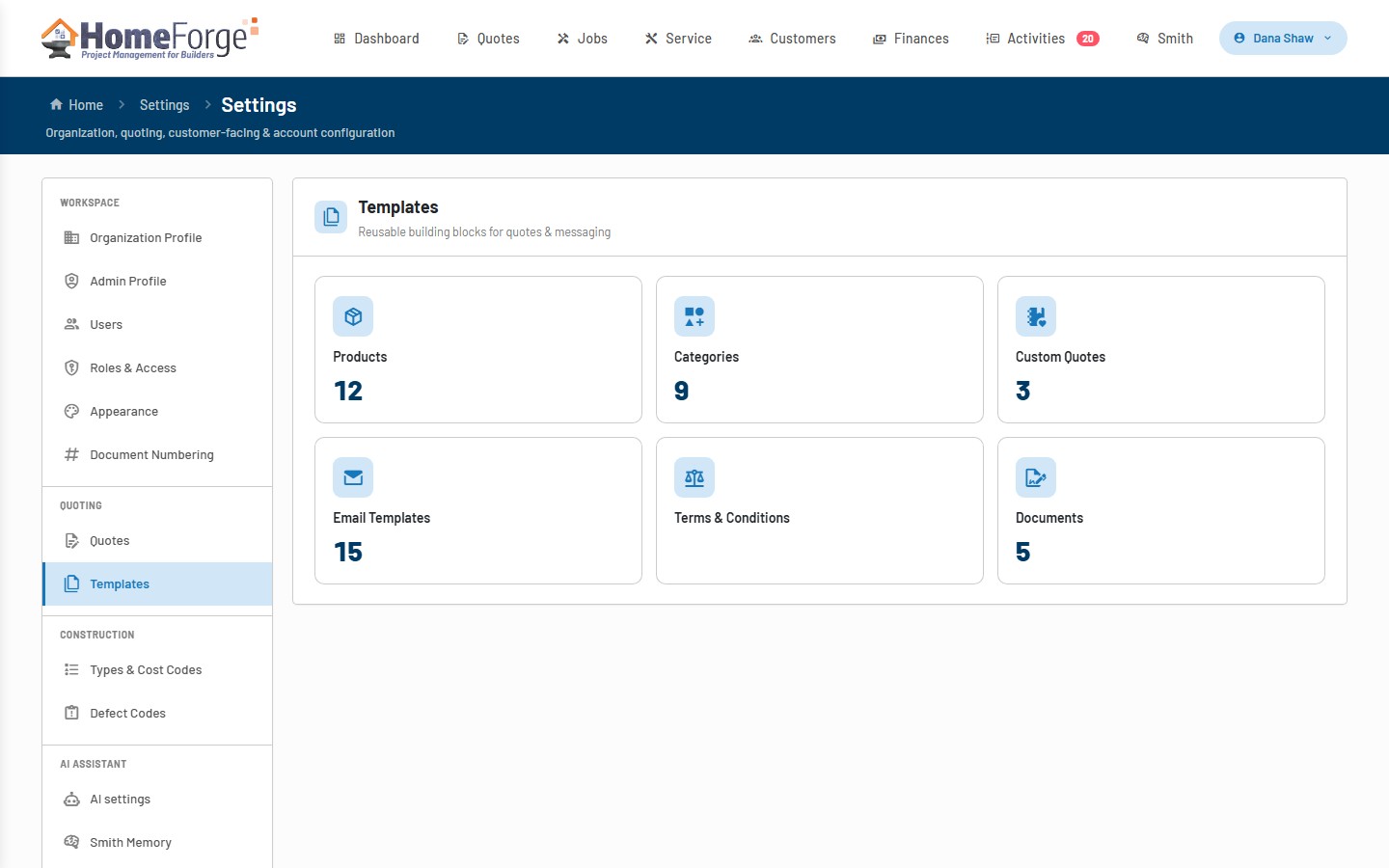
- Reusable quote, line-item, document, email and terms & conditions templates
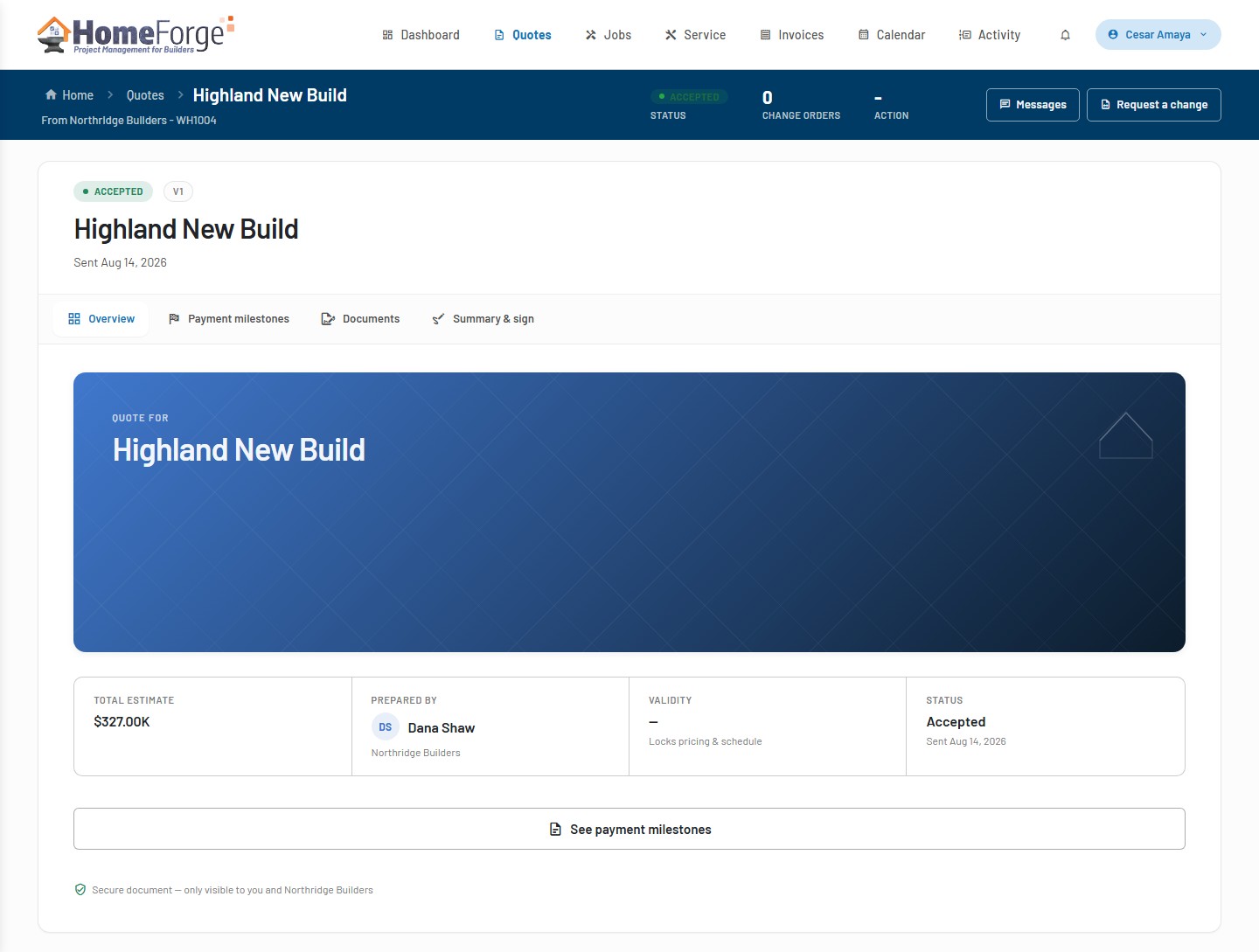
- Send for online review and e-signature; customers sign from their own free HomeForge account
- Customers can request changes, and a signed quote becomes a job in one click
Build a quote from a template or a customer request, let Smith do the heavy lifting, then send it for signing. Once signed, every change goes through a change order that both sides approve, so the contract on the job always matches what was agreed.
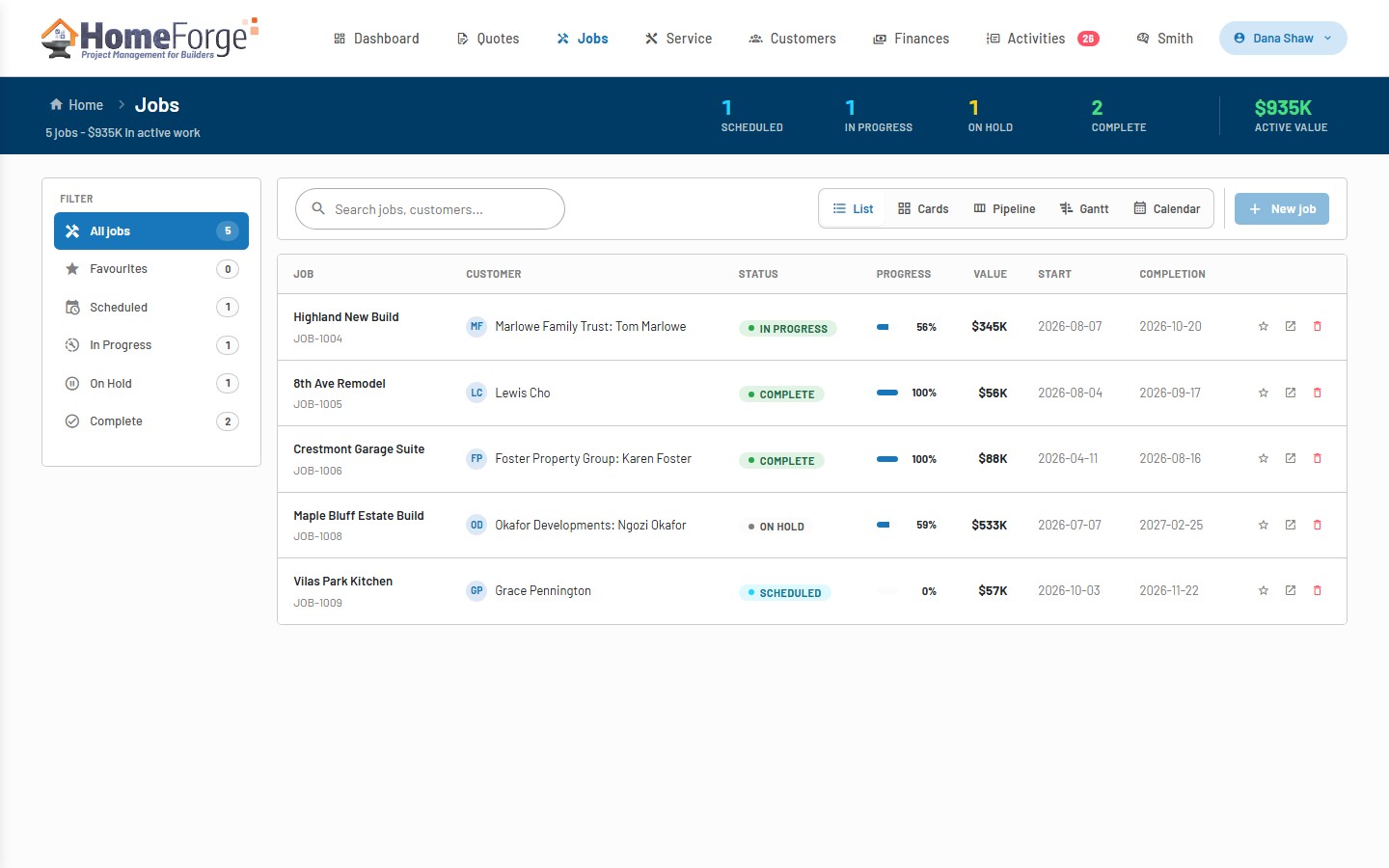
Run the job from signed quote to warranty
- List, cards, pipeline, Gantt and calendar views across every job
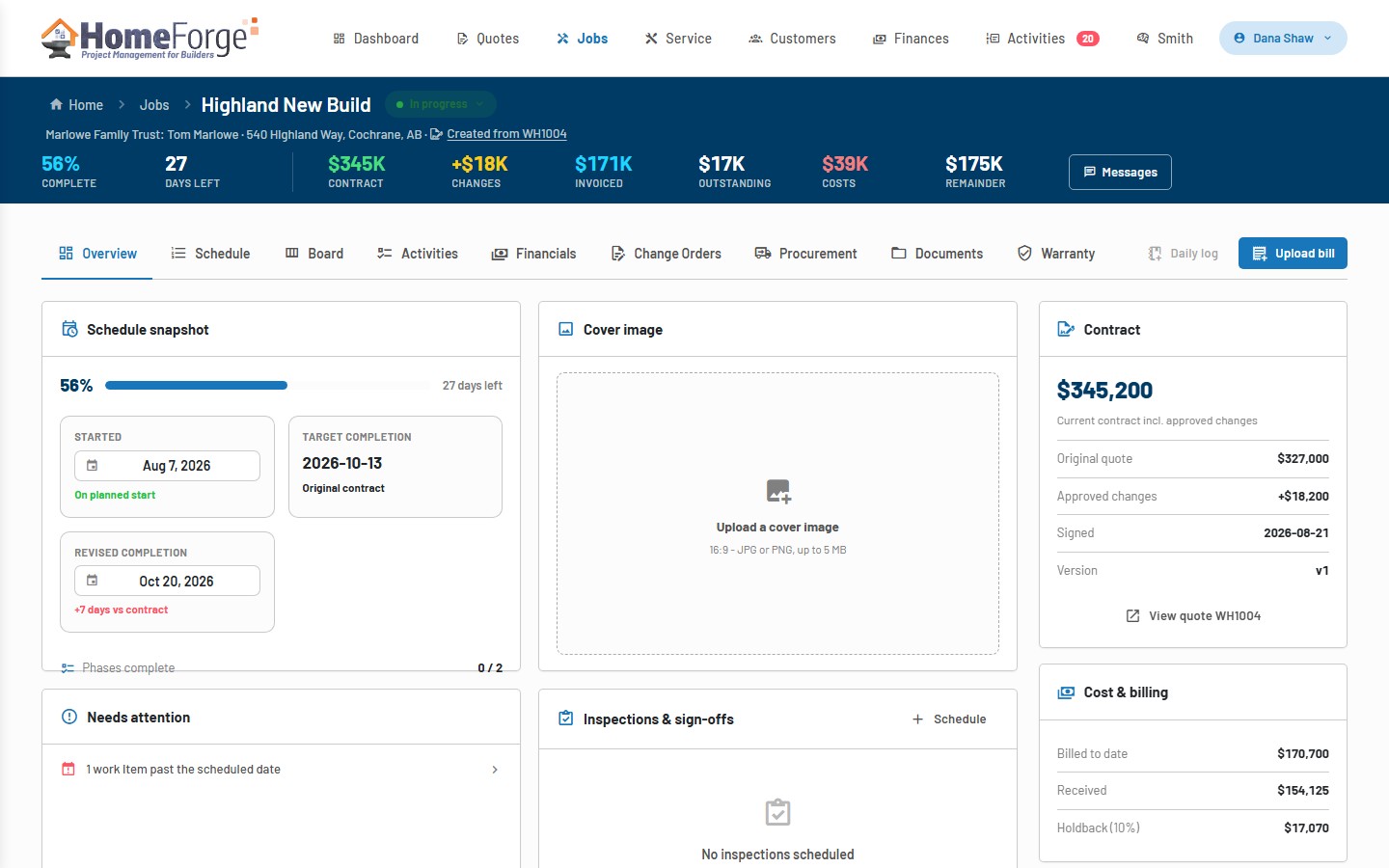
- Phases and work items on a draggable schedule, a kanban board, inspections and sign-offs
- Procurement, purchase orders and vendor bills tracked against each job
- Job financials, change orders, documents, photos and warranty terms in one record
A job carries its contract value, approved changes, invoiced and outstanding amounts, costs and remainder in the header, so progress and margin are never a surprise.
Warranty and service requests, triaged and tracked
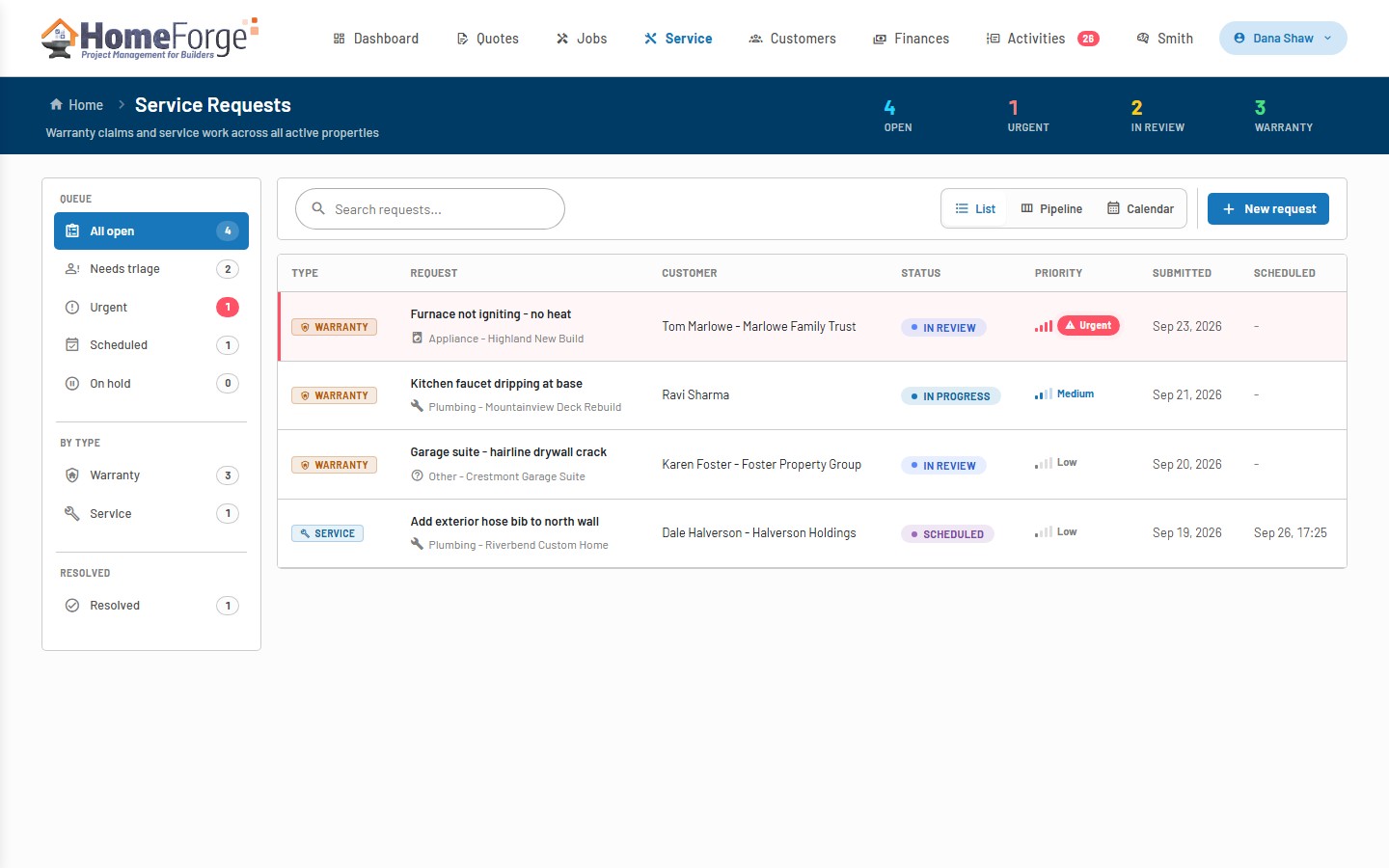
- One queue for warranty claims and service work across all active properties, in list, pipeline and calendar views
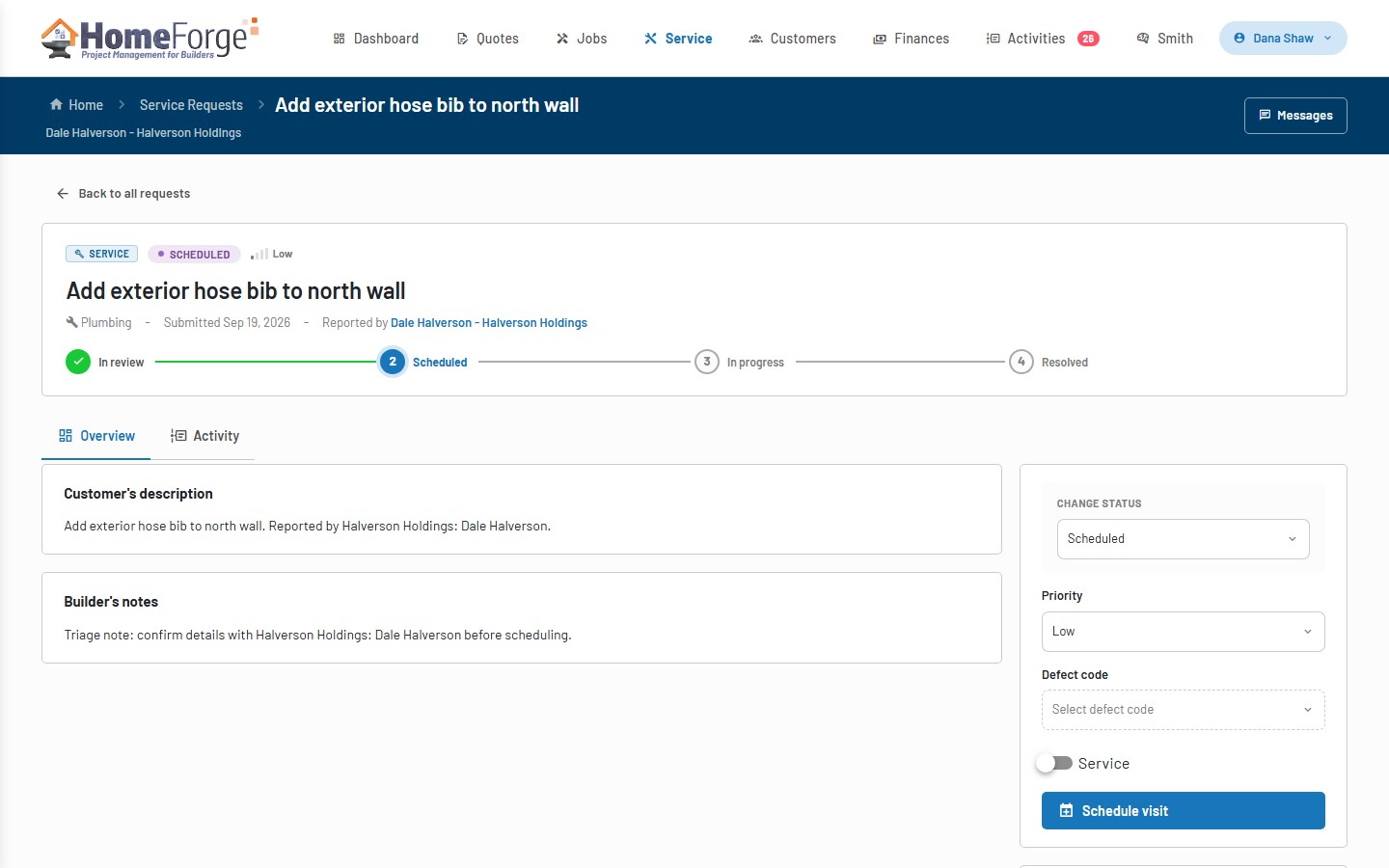
- Triage by status and priority, with defect codes and trade categories on every request
- Requests submitted by staff, or by customers from their HomeForge account with photos attached
- Schedule the visit; the customer confirms or declines and follows progress as it moves
Urgent requests surface on the dashboard, and each request keeps its own history and conversation from the first report to the visit that fixes it.
Every customer, every conversation, in one place
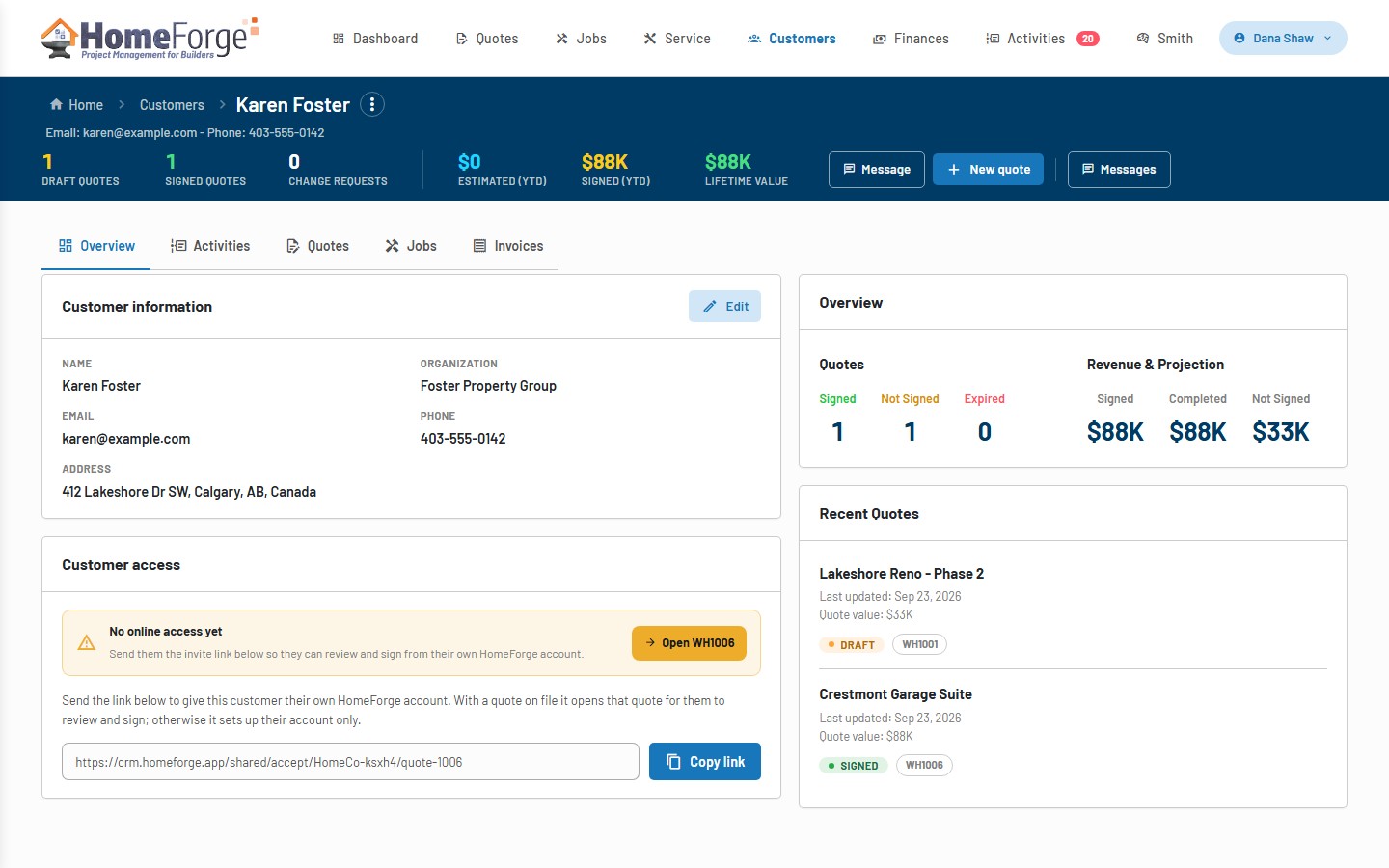
- Customer profiles with lifetime value, quotes, jobs, invoices and online-access status
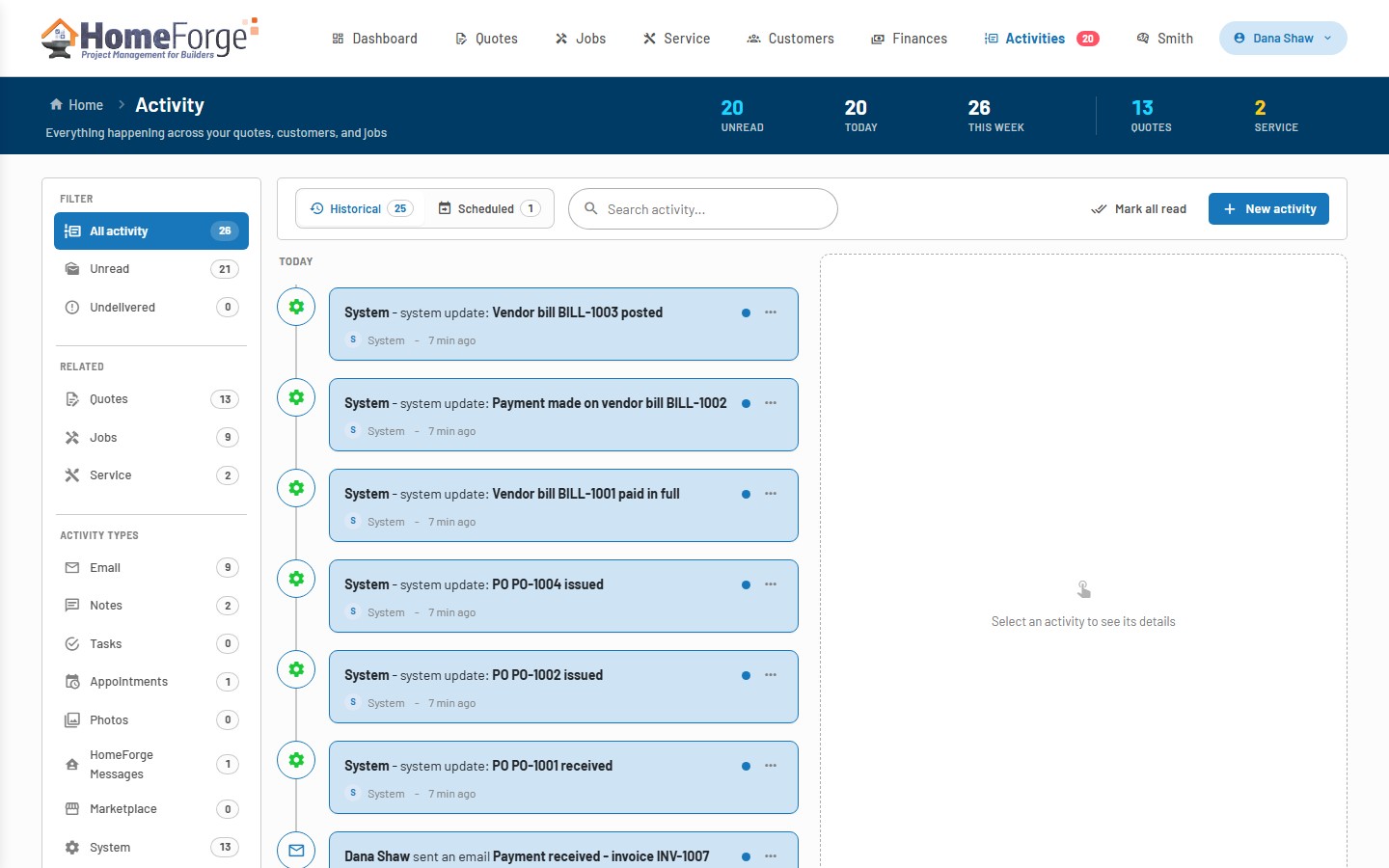
- A single activity feed for emails, HomeForge messages, notes, tasks, appointments and photos
- Email templates with dynamic tags, and replies that thread straight back into the feed
- Automatic reminders for expiring quotes, overdue invoices and tasks coming due
Send an email or message from the record you are looking at, log a note, book an appointment or attach site photos. It all lands on the customer timeline.
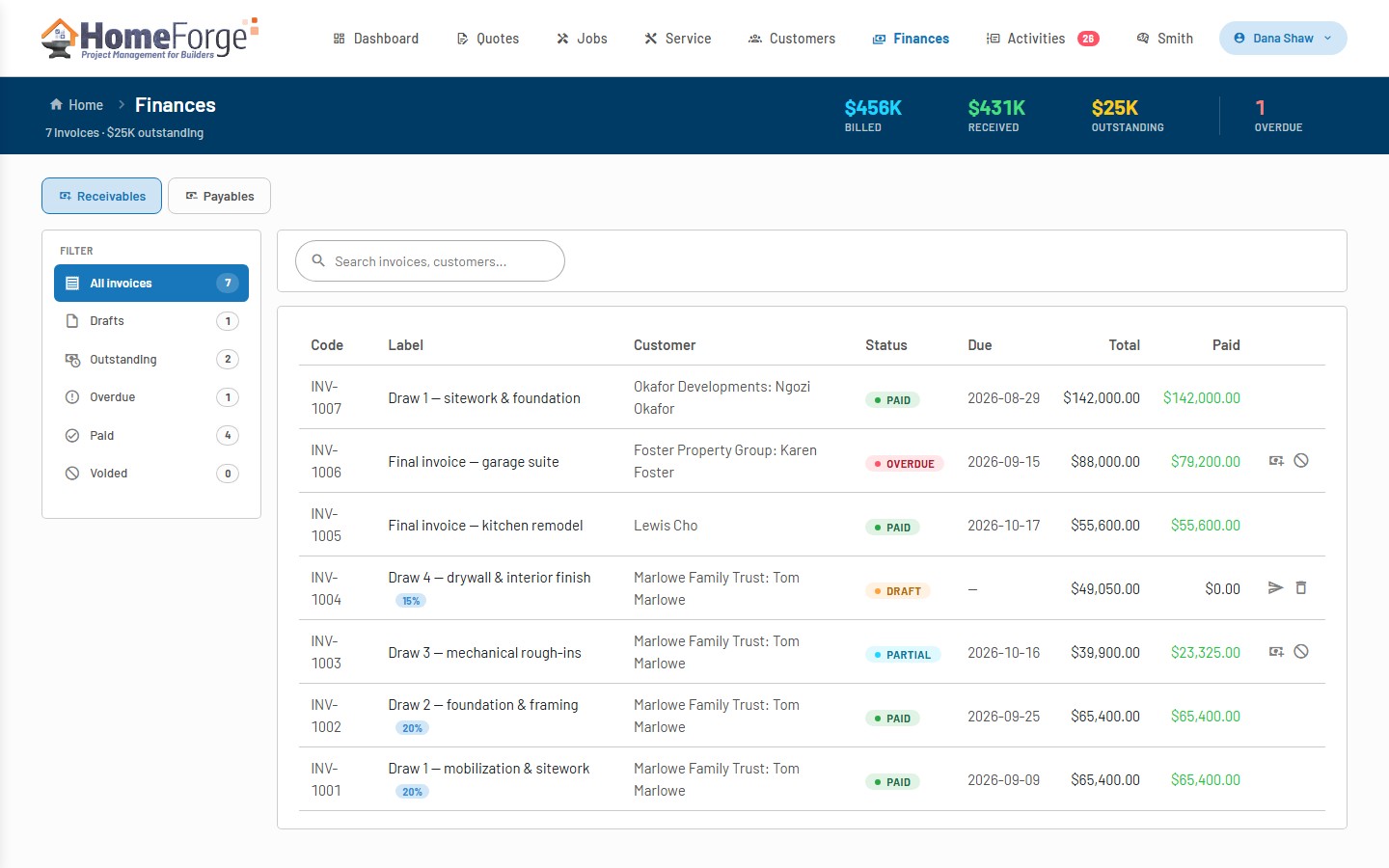
Invoices, online payments, purchase orders and bills
- Invoices from payment milestones, signed versions or job draws, with holdback and progress billing
- Customers pay online by card or Canadian bank debit through Stripe
- Record manual payments, void invoices and reconcile billing against the signed contract
- Purchase orders and vendor bills on the payables side, with committed and actual costs on every job
Receivables and payables live next to the jobs that generate them, so billed, collected, committed and paid are always in view.
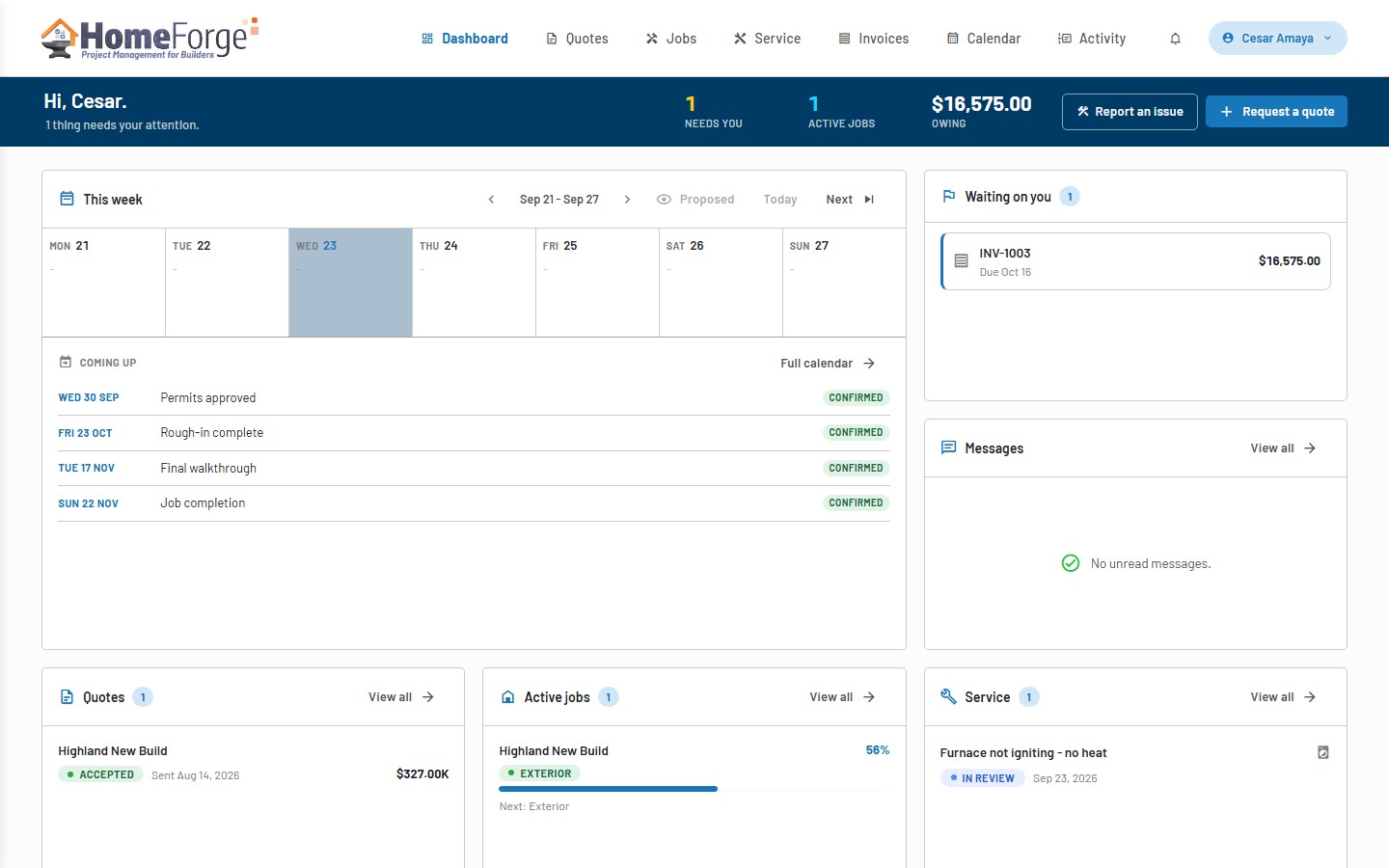
A free HomeForge account for every customer
- Customers sign in with email, Google or Microsoft to review, sign or request changes on their quote
- Follow the job, its schedule and upcoming visits on a calendar, and approve change orders
- Report service issues with photos and pay invoices online
- Message the builder and see the full activity history, on any device
Send a customer their invite link and they get their own HomeForge account with everything about their project in one place. You get fewer phone calls and faster approvals.
Vendor directory and marketplace
- A vendor directory with construction types, service areas and compliance documents
- Bid requests on scoped work packages, with bids compared side by side
- A marketplace listing so other HomeForge companies can find you and send work your way
The vendor layer is in development and will roll out to HomeForge accounts once it is ready. Purchase orders and vendor bills are available today under Finances.
In development
Screenshots will appear here when the vendor layer ships.
Roles, seats and templates that fit your shop
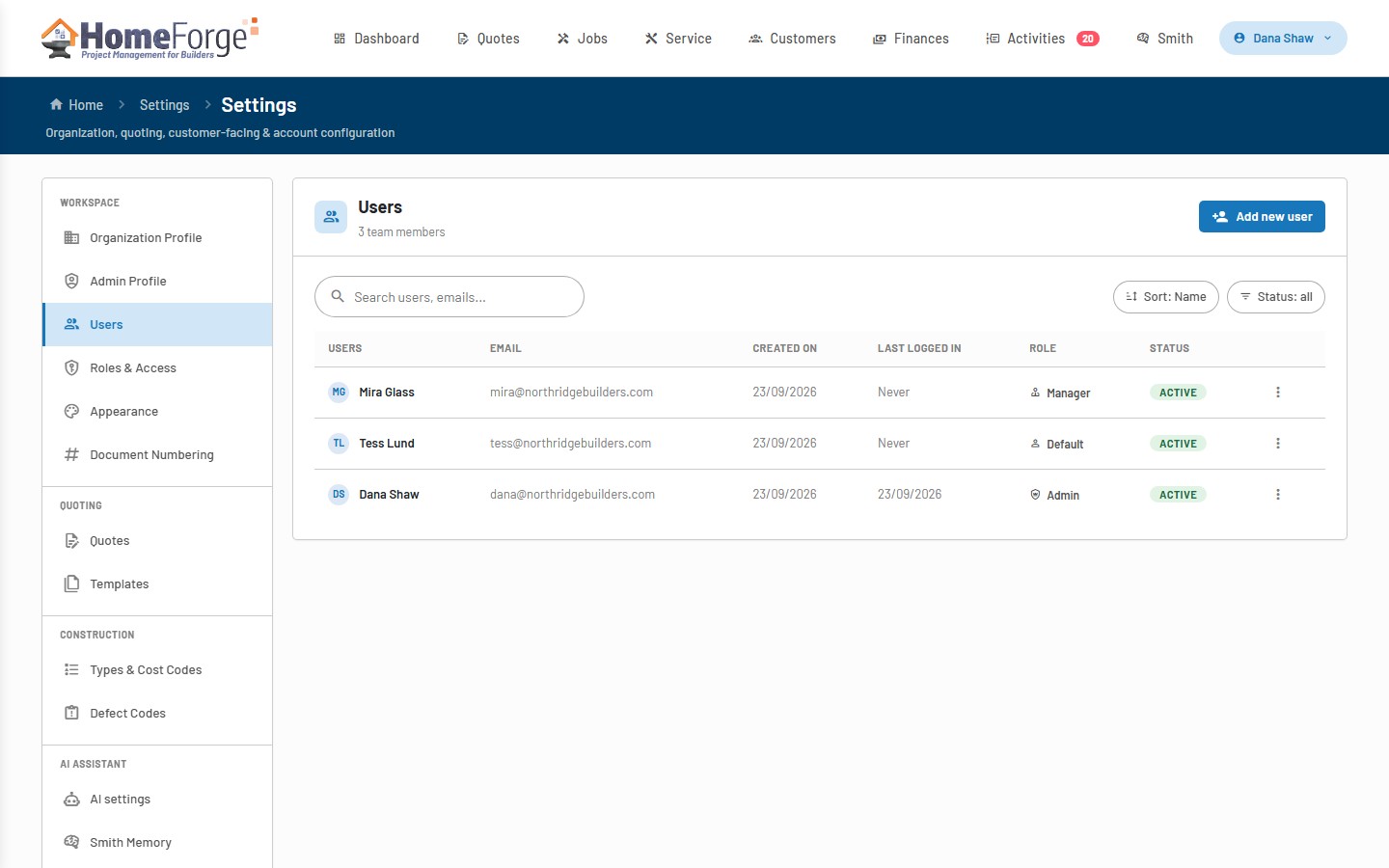
- Admin, manager and standard roles, plus custom roles that control which areas each person sees
- Your first seat is free; add paid seats as you grow, and each one adds Smith AI capacity for the team
- Templates for quotes, line items, categories, emails, documents and terms & conditions
- Construction types, cost codes, defect codes and document numbering tailored to how you build
- Sign in with email, Google or Microsoft
Set the business up once and let the team work inside the guardrails you choose.
Start free today.
Your first user is free. Add seats when your team grows.